Using Sequoia 15.5 and Timelime 3.3.
Suddenly I can’t get the app to show up in the menu bar and I don’t know how to
start my timer for tasks.
Sorry for the late reply!
Is this bug still occurring?
Did you make sure there is enough room in the menu bar to show the Timelime menu item?
I have the same problem. If I open the app I can see the window w all timings but no menu to start new timers
Hi Petter, this can happen if there is not enough space in the menu bar for the Timeframe item to display. Did you check this?
When the Timeframe item is visible, I would advise to command-drag it to the right.
Hi Niko.
There is plenty of room. Must be something else
Are you using a menu bar manager like Ice, Bartender, …?
Can you attach a screenshot of your Timeframe Settings > Menu Bar? I’ll check what might be causing this.
Thanks!
No not using menu bar manager. It has worked fine for years. Did not change anything, it suddenly just disappeared.
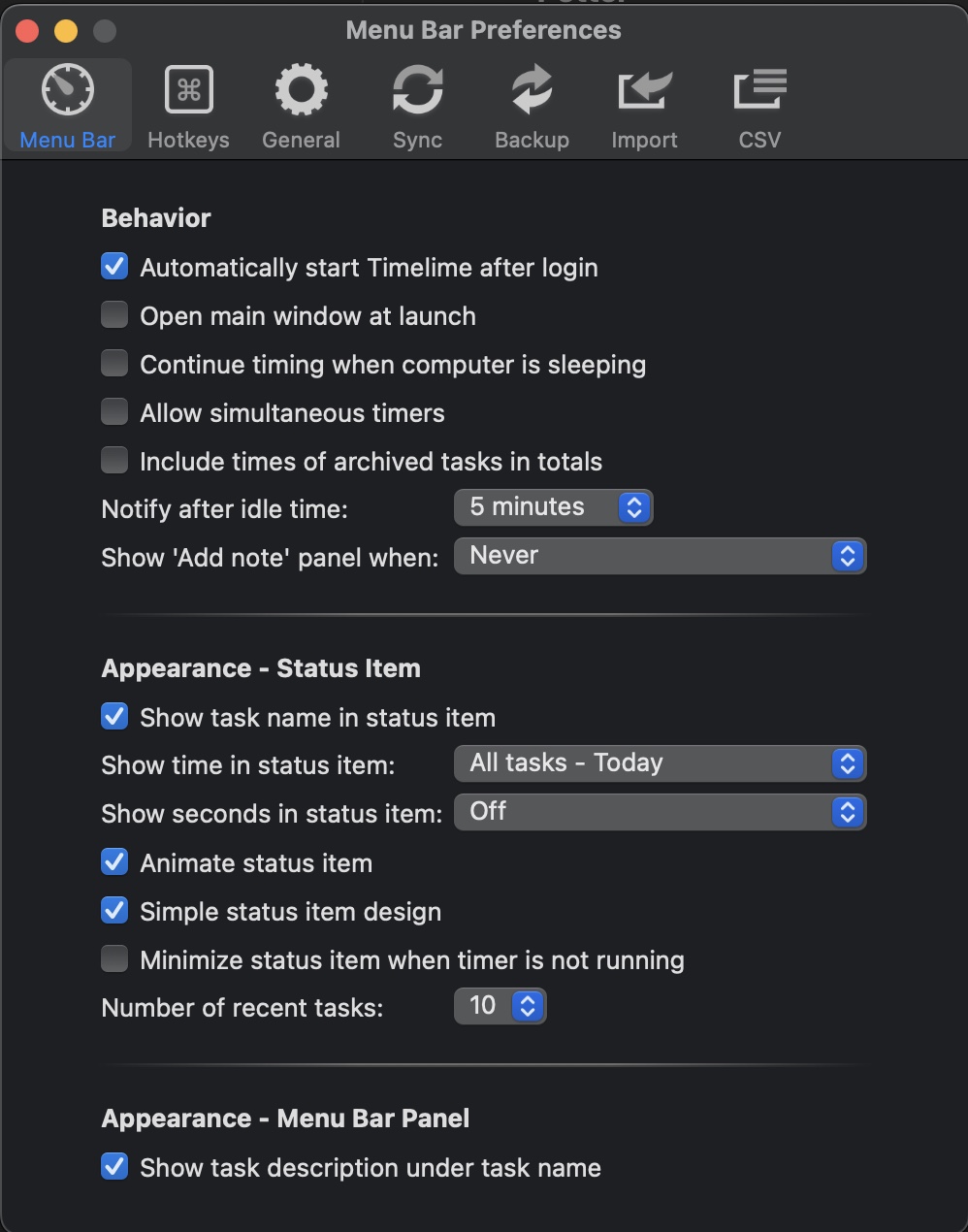
You are using an old version of Timelime. What are your Timelime and macOS versions?
Thanks
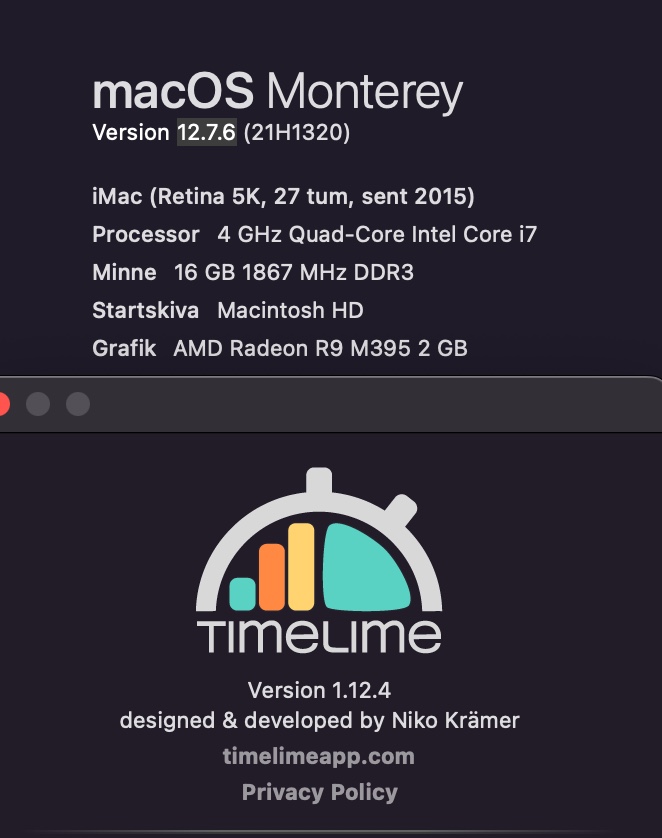
Yes, the latest version supported on macOS Monterey is Timelime version 2.7.
Can you update and check if this fixes the problem?
Where can I get this version?
Did you check the macOS App Store?
Yes, can’t download old versions from there
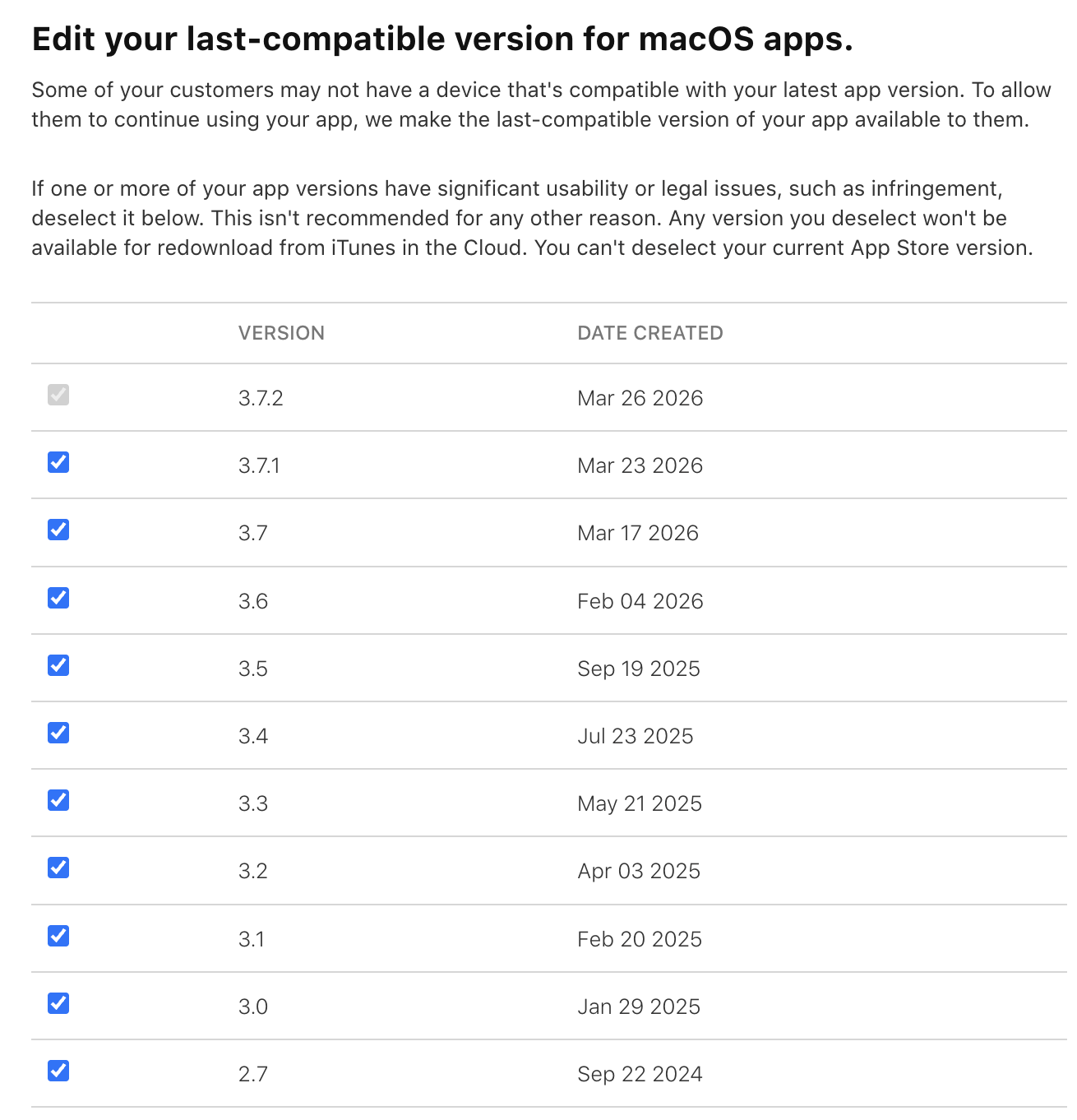
Which version does it display in your App Store app?
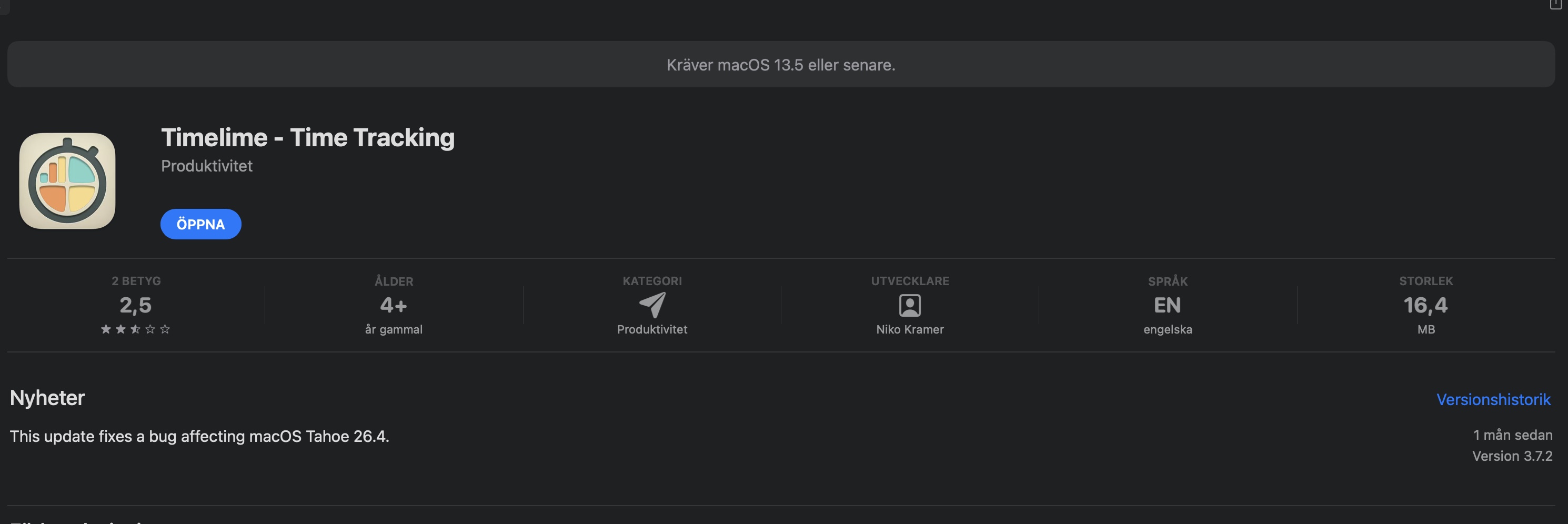
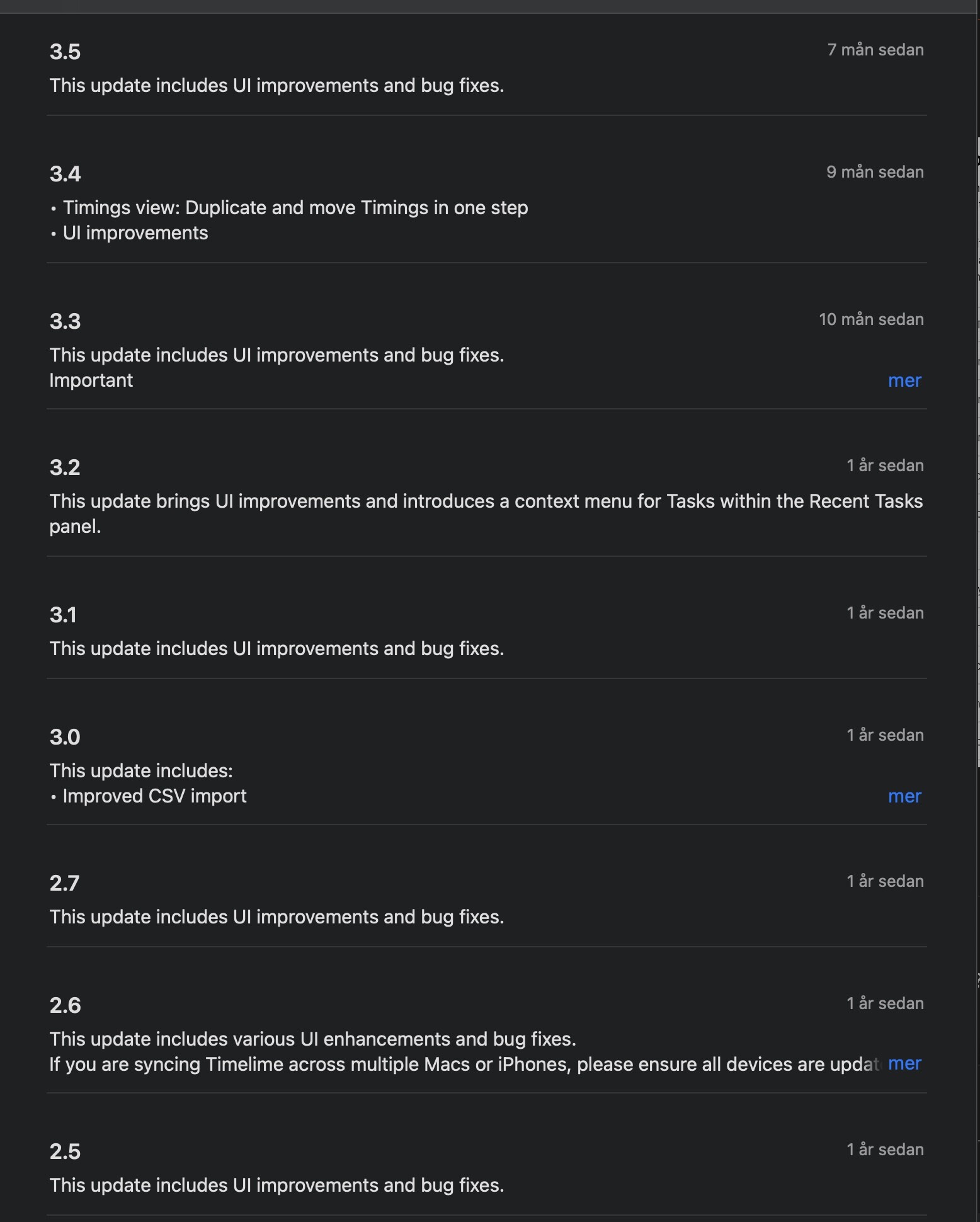
I’m not sure either. But can you please try this:
- Completely quit Timelime if it is running (check Activity Monitor app)
- Go to your Applications folder and zip the Timelime app bundle (right click > compress)
- Delete the Timelime app bundle, empty the trash
- Go to the App Store app and download Timelime again from there
- Hopefully it will install the latest compatible version…
Works now, thanks!
1 Like
Thanks for the update, that’s great to hear!