I have used Timelime for many years and and is very satisfied with its functions. It has always worked well. Yesterday during export of timings all of them disappeared and was lost. I have an iMac with MacOS Ventura 13.7.8 and use Time Machine for continuous backup.
To be able to recover lost data I have to know where Timelime stores is data.
Can anyone tell me?
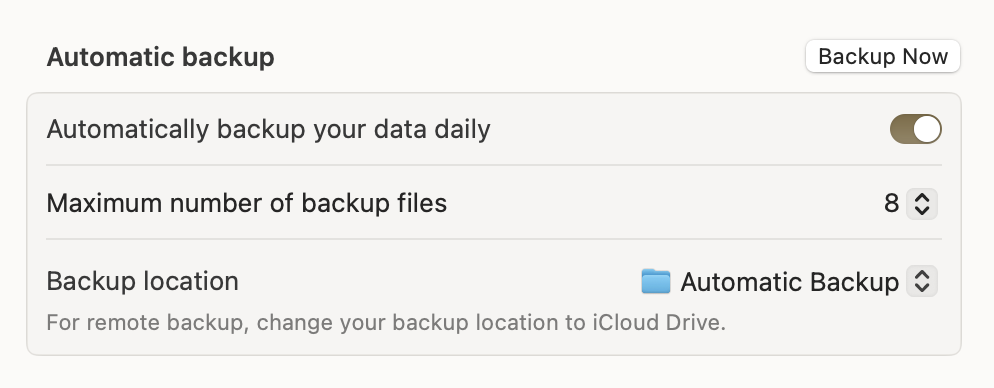
Timelime automatically backs up its data once a day.
You can go to Timelime Settings > Backup, and restore from an automatic backup there.
If you want to restore from your Time Machine, Timelime’s database is in this folder:
/Users/[your username]/Library/Group Containers/Q66UC24GG4.com.timelimeapp/Library/Application Support/Timelime2
If you need a step-by-step guide of how to restore the data, please let me know.
I have tried Timelime backup and I guess I never activated automatic backup. Time Machine seems to work, but no old data appears. The Main Window shows only March 2026 and no data ,although I checked in and out in different tasks.
So, please send a step-by-step guide.