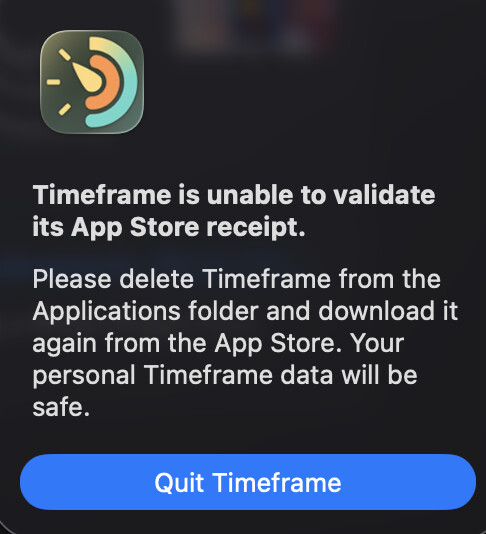
Unable to use timeframe. Regular random crashes (?) since macOS 26.4. Annoying!
I uninstalled and reinstalled the application as recommended, but it didn’t change anything.
No purchases to renew. In short, a dead end.
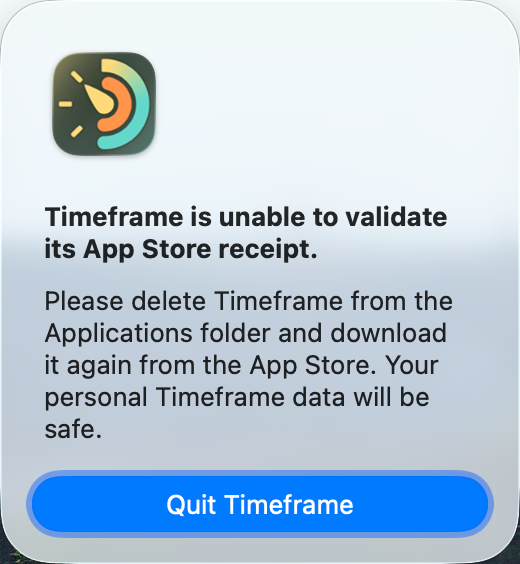
Unable to use timeframe. Regular random crashes (?) since macOS 26.4. Annoying!
I uninstalled and reinstalled the application as recommended, but it didn’t change anything.
No purchases to renew. In short, a dead end.
Time Lime isn’t working correctly after update to 26.4 on my MacBook Pro M5 also, but slightly different from what you describe: I also got the receipt validation message but that disappeared after I deleted and reinstalled the Time Lime app for the third time. Now, however, the Time Lime app opens and I can view my recorded timings and the timer icon is visible in the menubar but cannot start any new timings. Please help!
Unfortunately, I am also experiencing this issue on macOS Tahoe 26.4: Timeframe suddenly quits without any apparent reason.
It seems to happen particularly often when the Mac goes to sleep, but I might be mistaken.
It is quite strange that this message appears at every start (like with the thread starter):
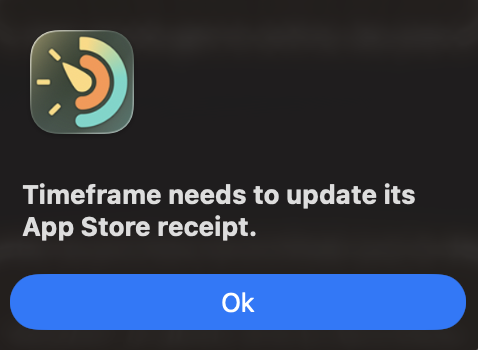
“Timeframe needs to update its App Store receipt.”
If i confirm this, it says, “Success. Please relaunch the app now.”
When I relaunch, there are no further messages, only this message appears again when I quit the app and open it again.
The app works for a while and then eventually shuts down on its own.
Hi everyone,
I’m aware of this issue and have been working on it for a while now.
Apple changed something with the App Store receipts in macOS 26.4, and I’m still trying to figure out exactly what. The tricky part is that everything works perfectly when testing through TestFlight, but breaks after the app goes live on the App Store. That makes it really hard to debug.
I’m reaching out to Apple’s developer support for help, so hopefully I’ll have more clarity soon.
I’m really sorry for the trouble this is causing. I appreciate your patience while I get this sorted out.
I found a temporary workaround that should stop the alerts and crashes while I work on a proper fix.
Here’s what to do:
What’s happening is that launching Timeframe while connected to the Internet corrupts the App Store receipt, which triggers all the issues. Launching it offline first avoids that.
I’ll get a proper fix out as soon as possible. Thanks again for your patience!
The latest release (version 4.7.2) should fix the problem with the App Store receipt.
Can you please check. Thank you!
A thousand thanks for the quick fix, everything is working perfectly again now.
It seems to be working correctly now. Thank you for your quick fix. It seems that Macos 26.4 has created other malfunctions on other applications.